Preview equals PDF, one to one
The live preview and the finished PDF come from the same Chromium renderer. There’s no second export path that sets it differently: what you see in the Layout Editor is, character for character, your download.
In the Layout Editor you design your CV down to the last detail and turn any template into your own layout, no CSS. Your content stays separate: for every application, your data optimized for the role flows in, pixel-perfect. The A4 page you see live is exactly the PDF you get.
A three-column editor where nothing stays hidden. On the left you decide what goes on the page, in the center you see the page itself, on the right you tune every detail. Every change is instant, on a real A4 page, not an approximation.
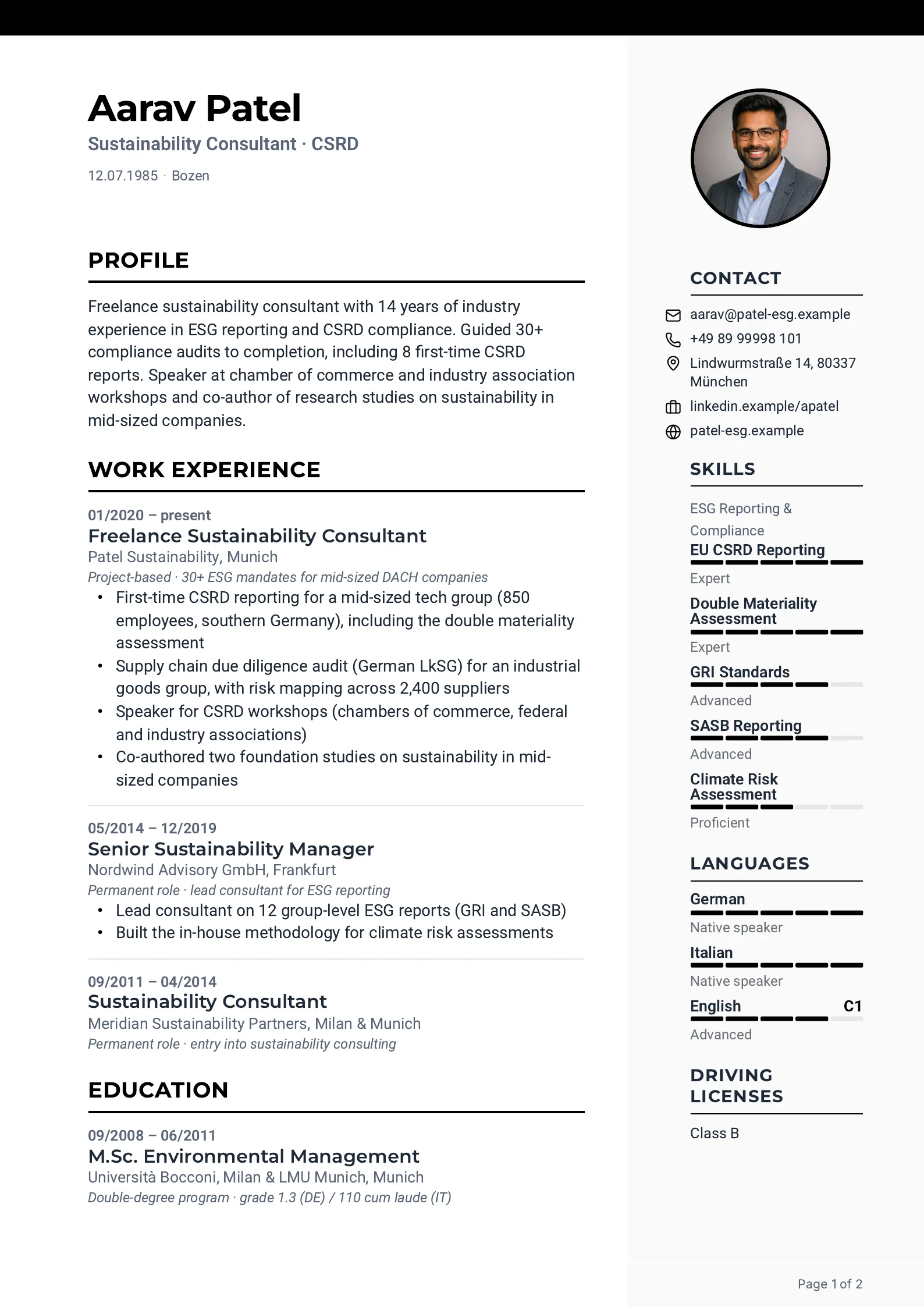
On the left, your sections sit as cards: profile summary, work experience, education, skills, languages. Drag and drop to show, hide and reorder them, or move them between the main column and the sidebar. You decide what appears where.
In the center sits a real A4 page. Move a slider or change a color and the page updates in the same instant. And you can write directly in the document: edit entries, tasks and dates right on the page. It’s saved to your profile, not to the layout.
On the right you control typography, colors, spacing and page margins, plus the elements of the page, from header banner to QR code. All of it per element: click a heading and its controls open; click the body text and you get its own. No CSS, no compromise.
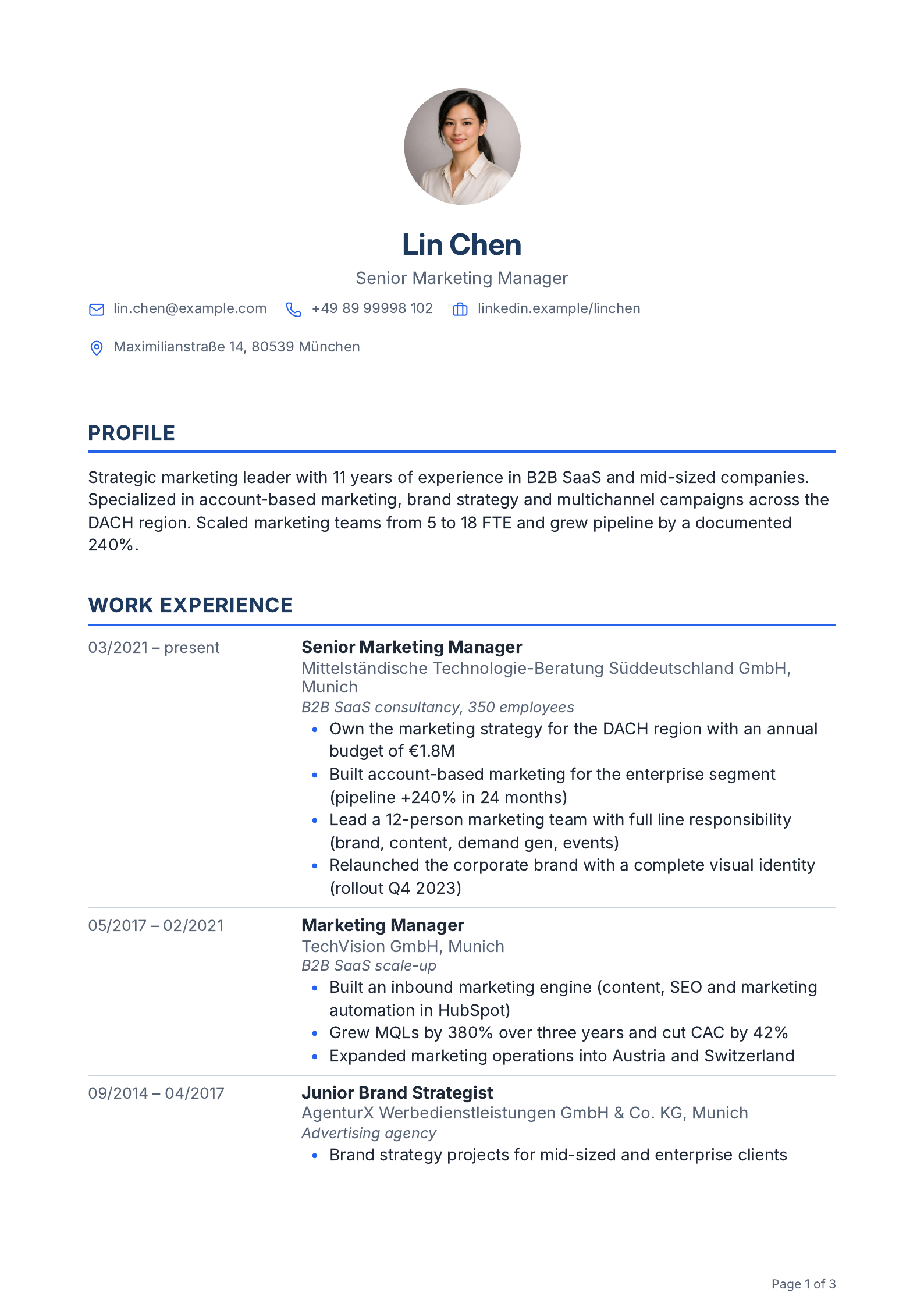
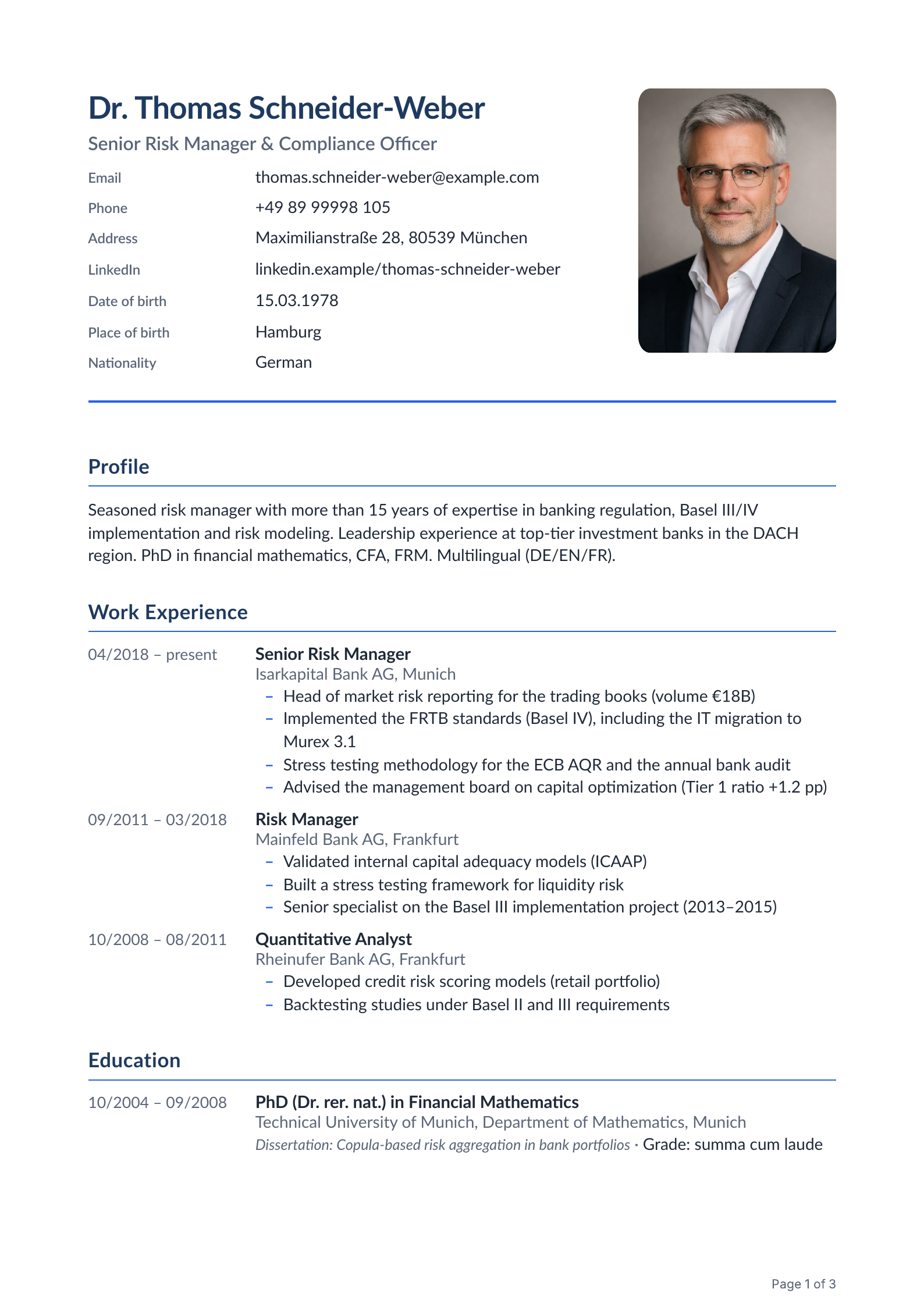
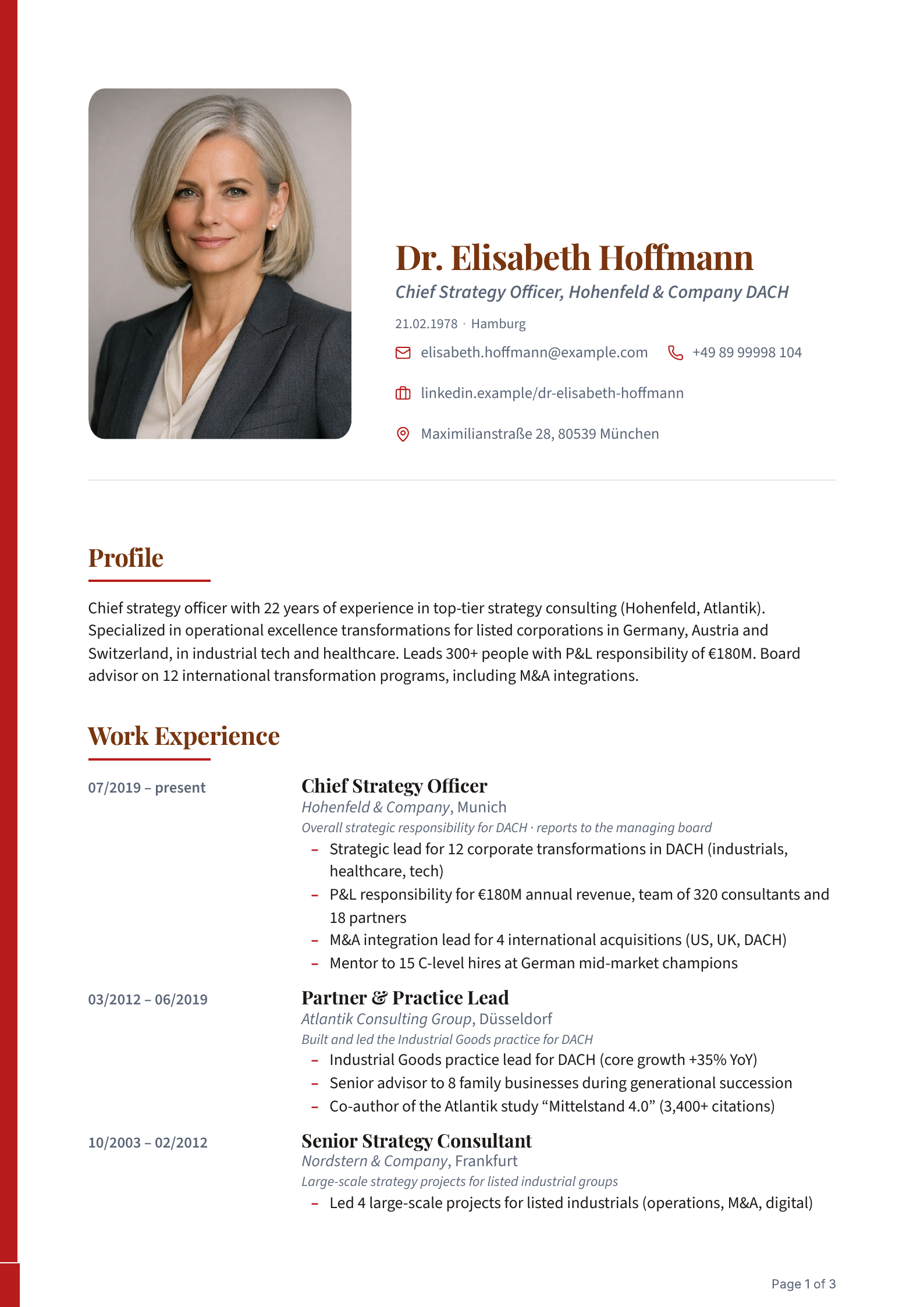
“Balanced” for marketing, “Trusted” for finance and law, “Confident” for leadership roles: every layout built for its field and 5× ATS-tested, with and without AI. Data and layout are strictly separate. Your content lives in your profile, the layout is just the form it is set in. Switching is purely a design decision.
At JACVault, a template is a starting point, not a cage. Everything here is a control in the Layout Editor: no special request, no CSS. What you build stays your layout: for every application, with your data.
We show you what to measure it against: four things that separate a template gallery from a real application tool.
The live preview and the finished PDF come from the same Chromium renderer. There’s no second export path that sets it differently: what you see in the Layout Editor is, character for character, your download.
Tabular CV, personal-data block, month/year dates, clean spacing per DIN 5008. The layouts are built for what German recruiters expect, not for a US résumé.
Applicant-tracking systems read the structure first, not the design. Every layout keeps a machine-readable text layer beneath the design, and the layouts are 5× ATS-tested, with and without AI.
Your AI-optimized content flows pixel-perfect into the layout you chose. Want a different layout? Switch it. You never touch the content to do it.
Yes. Your first complete application is free, including a real PDF with no watermark, not a locked preview. You only need a plan once you apply regularly.
Yes. Every layout keeps a machine-readable text layer beneath the design, so applicant-tracking systems can read your details cleanly. The layouts are tested in 5 measurements (4 ATS parsers and 1 ATS with AI), and the German ATS test shows the results.
How we measure: the German ATS testYes. The templates are built as a tabular CV, with a personal-data block, month/year dates and spacing per DIN 5008. The photo is your call: leave it out in your profile or hide it in a specific layout. The layout then places it correctly or reclaims the space cleanly.
Further than recoloring: switch the sidebar on or off, move sections between columns, adjust page margins, add a header banner, gradient, monogram or QR code, and control typography, colors and spacing per element. Click any element and you get exactly its controls. No CSS, no detours.
Yes. Every template keeps its base: you can reset to the starting point at any time and begin again. Experimenting costs nothing, no rebuild is final.
Then the Layout Editor sets real A4 pages with clean page breaks. Optionally add page numbers and per-section continuation hints. So on every page, human and machine find what they expect.
Yes, fully. The entire interface is available in German and English, switch with a single toggle. The language of your CV is independent of that: you choose it when you create it, or JACVault takes the language of the job posting.
The Layout Editor is part of JACVault and included in every plan, the free one too. You can design layouts everywhere and get a feel for what it can do. Saving your own layouts and using them in generation works on every paid plan: 1 on Core, 3 on Professional, 10 on Power.
Yes. Your data lives separately from the layout. Switch between layouts and your content flows automatically and pixel-perfect into the new template. You never touch it a second time. That holds afterwards too: even on a finished application you can still switch the layout, and your content, including your own edits in the document, stays.
The full journey: how JACVault worksSet up your profile and paste in the job. In under 5 minutes, JACVault builds you a CV and cover letter that get past the ATS and the recruiter. Your first application is on the house.
First application free · no credit card required